
Transcripts
Request an official or unofficial copy of your Olympic College academic record. Select your transcript type below and follow the instructions.
Official transcripts are $11.80 per copy. Additional charges may apply for mailed copies.
Transferring credits to Olympic College?
If you have completed coursework at another college or university, you do not need to order a transcript from this page. Visit transfer credit evaluation.
Transcript Type
Official
Official transcripts are ordered through Parchment. Follow the instructions below to place your order. If your record needs to be retrieved from our archives, we will contact you with next steps and a timeline. Please note that many organizations will not accept a transcript forwarded by the student as official.
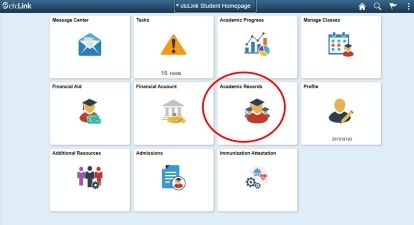
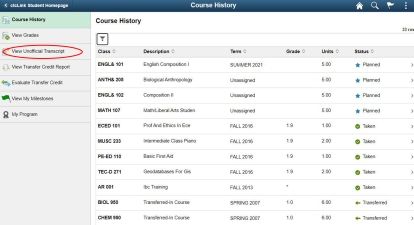
How to Order Official Transcripts Online

1Create Parchment Username & Password
Click 'Create Account.'
- Enter approximate dates of attendance. It's ok if you don't know the exact dates.
- Enter your Student ID. If you don't know your Student ID, enter a placeholder value of any series of numbers.
- Click 'Submit' to complete this process.

2Select Transcripts
- After creating your account, you will be automatically redirected to the 'Select Documents' page.
- Click the 'Transcripts' tile.

3Enter Recipients
Select whom you would like the Official Transcripts sent to:
- Yourself
- College or University
- Third Party

4Select Order Options
If you select send 'Now' your credit card will be charged when the order is processed.
- Select 'Hold for Degree' or 'Hold For Grades.'
- If you select one of these options, your credit card will be charged at checkout.
- Click 'Continue'

5Enter Payment Information
Enter and review your payment information.
- Click 'Submit Payment.'
- Click 'Log Off.'